You can’t beat the camera you always have with you. It is now most likely that the images you see on a Facebook feed, Snapchat, or texts were taken with a smartphone. Nowadays, it isn’t uncommon to see news stories relying on smartphone video to make their case. One issue with the smartphone is its lack of ergonomics or features when it comes to making images, so here are some tips and tools to help take your mobile photography to new frontiers.
Vertical or horizontal
One thing that always bothers me is seeing a vertical video on a horizontal display. Now, some instances may call for a vertical image, especially with increasing media consumption taking place on handheld devices. But, you should have a reason for choosing vertical or horizontal and not leave it up to whatever was easiest at the time. If you are shooting something for YouTube and want people to watch it on a computer, stick to horizontal. When in doubt, stick with horizontal. This has become the standard for most displays and formats so it just makes sense. However, if you are sending a message to someone’s phone or relying on a messaging app, vertical can be the best call.
Improved optics
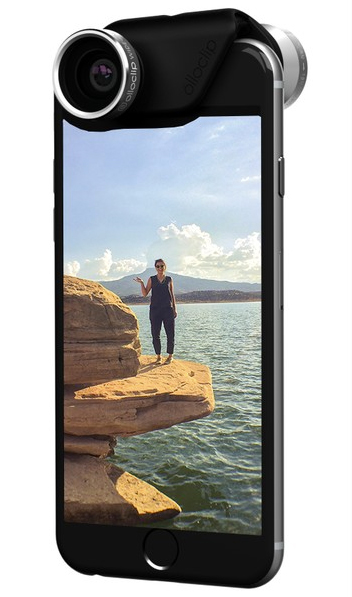
One of the most common improvements to smartphone cameras is an add-on lens. Since most phones have fixed prime lenses that are usually fairly wide, they aren’t always going to work for every subject. Add-on lenses can help you change this by enabling macro and close-up work, a greater magnification with telephoto optics, or a fun fisheye look. These lenses can add some needed variety to your smartphone imaging and even open up avenues for further creative expression. There is a reason why camera lenses are always on the wish lists of professionals and beginners.
Smooth and steady
For video shooters, adding some sort of support system is going to improve the professionalism of the final product. Phones don’t exactly have tripod threads on them, so you will need specialized options, such as this Joby GripTight PRO GorillaPod Stand, which clamps down on the phone to hold it securely. The mount is also sold separately, so you can use it on your favorite tripod with ease. Beyond these simple mounts, a variety of stabilizers, dollies, brackets, and more are available to suit almost any scenario.

For the selfie shooter in all of us
Love ’em or hate ’em, selfie sticks serve their purpose very well. When used as intended, they let you easily capture flattering selfies of you or your group. Beyond that, selfie sticks can be used to get a better angle during shooting and can be used for more precise imaging situations.

Lights!
When working in photography, the most important element is always the light. Manufacturers have gotten on board the smartphone imaging revolution and unveiled numerous compact lighting setups to give your mobile photography a boost. Many of these plug directly into a phone’s headphone/mic jack and can be controlled via an app. Adding a little bit of light to a scene can improve photographs dramatically or make a dark location manageable for certain images.

Apps, apps, apps
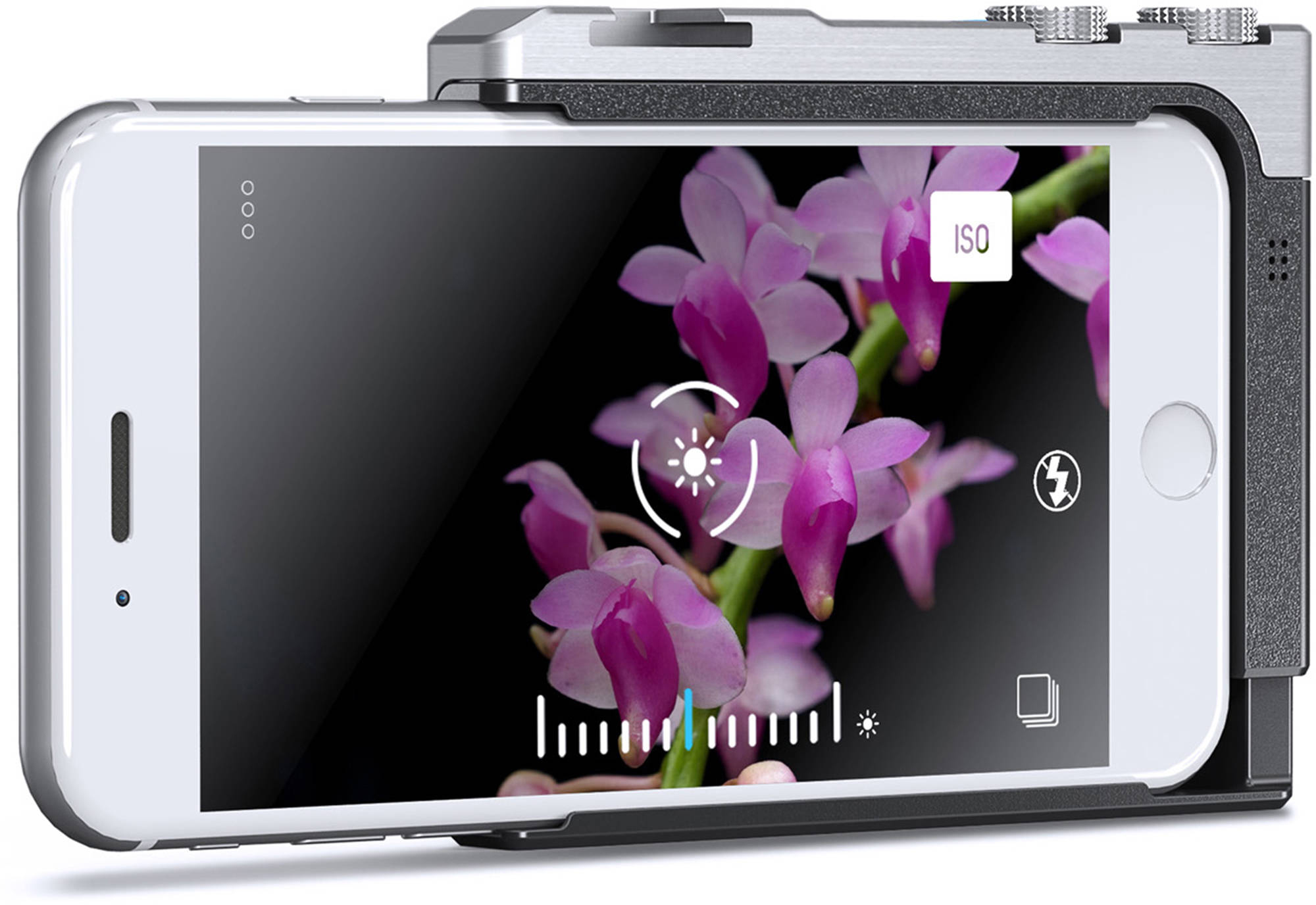
One of the first things you learn when you start taking pictures is how to work in manual mode to really make your pictures shine. Most smartphones don’t immediately give you these options; this is where additional apps come into play, such as Manual for iOS. Along with this, apps like Photoshop, VSCO, and Instagram offer editing and sharing features that are sure to benefit your photography.
Keep it clean
One major difference between a traditional camera and your smartphone is that great care is taken to not touch the glass of a lens, whereas smartphone cameras are always getting fingers all over them. If you have ever wondered why your photos look a little soft or low contrast, it is usually caused by simply being dirty. Pick up a microfiber cloth and give it a wipe before you take any serious photos and the overall image quality can improve dramatically. One thing that can help here is a phone case. It usually provides some space for the camera lens and can prevent a lot of accidental touches during normal use. Cases can also provide an attachment point for using a tripod or even have a more ergonomic shutter release.
Bonus: audio improvements
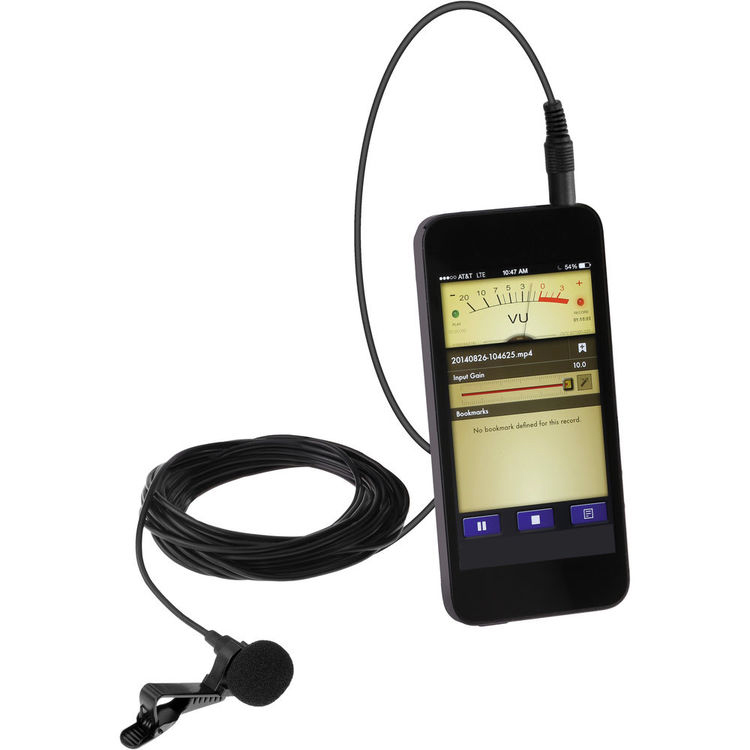
For the video shooters out there relying on a smartphone or tablet, there is now a plethora of audio solutions to add another layer to your mobile videos. These options are designed mainly for iOS devices, but users should be able to find some standard 3.5mm mics to work on most smartphones and tablets. Adding a lavalier to your kit to handle an impromptu interview can save a shoot by providing clean, intelligible audio. These can also serve as a simple audio recorder for a full-fledged video shoot.