Computers
- Recently Added
- Popularity
- Name
About 30 filtered results
by Mos Khan · Posted
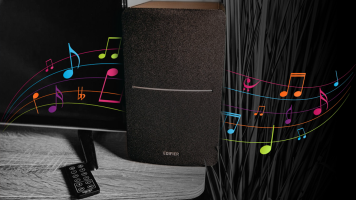
While built-in speakers might get the job done, if you really want your audio to sing, investing in a decent pair of speakers can get you a lot more enjoyment. Thankfully, you don't have to break the bank to get speakers capable of outputting quality audio. The best budget speakers can elevate your listening experience and, to help you get started on your search, we've rounded up a couple of our favorite ones below.
Best Speakers for less than $100: Creative Pebble Pro
Creative's Pebble speakers have started to garner a bit of a cult following

by Mos Khan · Posted
So you've shot your video, finished that shoot, or wrapped up the recording session, and you're probably wondering, now what? Well, it’s time to begin post-production. Regardless of your chosen medium, owning the right gear will make the post-production process significantly faster and more efficient. The purpose of this guide is to help break down some popular and essential peripherals and make them work for you. As we dig into a few recommendations, we'll also look at some of the different categories of equipment that exist, because your

by Steven Wong · Posted
In 2019, the launch of the Wacom One Creative Pen Display introduced the world to an entry-level 13.3" pen display that allowed users to make precise photo edits and draw detailed illustrations directly on a Full HD color display. Four years later, the Wacom One 13 touch Pen Display and the

Posted
Enjoy impeccable color accuracy and a stunning 4K display, all in a 17-inch screen that fits small desk spaces. Take a look at what the Wacom Cintiq Pro 17 and the new Pro Pen 3 have to offer.
0:00 - Introduction
0:33 - Build and Design
1:04 - Display
1:29 - Pen Pro 3
2:06 - Ergonomics
2:48 - Connectivity
3:07 - Final Thoughts
Are

by Steven Wong · Posted
Wacom adds ease and comfort to your professional content workflow with the launch of the Cintiq Pro 17 and Cintiq Pro 22 Creative Pen and Touch Displays. Featuring 17.3" and 21.5" touchscreens, respectively, these creative displays deliver a natural pen-and-paper feel as you draw illustrations,

by M. Brett Smith · Posted
Earlier this year, Logitech announced the Zone Learn, a wired headset designed with K-12 learners in mind. Billed as an education-first headset, the Zone Learn prioritizes features that will help kids stay focused and engaged when they’re in the “learning zone.” Always on the lookout for a way to stay focused, we decided to call a pair up for review.

by Mos Khan · Posted
Apple's MacBook has become so ubiquitous it's no wonder this laptop has an extremely robust ecosystem of accessories. Of course, no two people have the same needs, so accessories can really help fill in the gaps in a workflow. The best ones can increase productivity or provide access to additional ports and, in general, can increase one's quality of life significantly. While there are way too many accessories to cover every single one in this guide, we will take a look at some staple categories and a few of our favorite recommendations for

by M. Brett Smith · Posted
A coterie of new Wacom devices just landed at B&H. Two sizes of Wacom One pen tablets were announced, along with a 12-inch Wacom One pen display and a 13.3-inch Wacom One touch display.
Available in white, the new Wacom One pen tablet comes in two size variations: medium and small. The Wacom One S (for small) features a 6.0 x 3.7-inch active area, while the
by Rebecca Melville · Posted
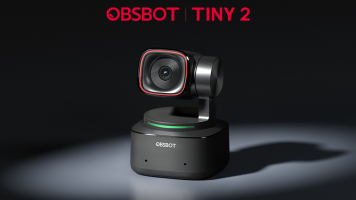
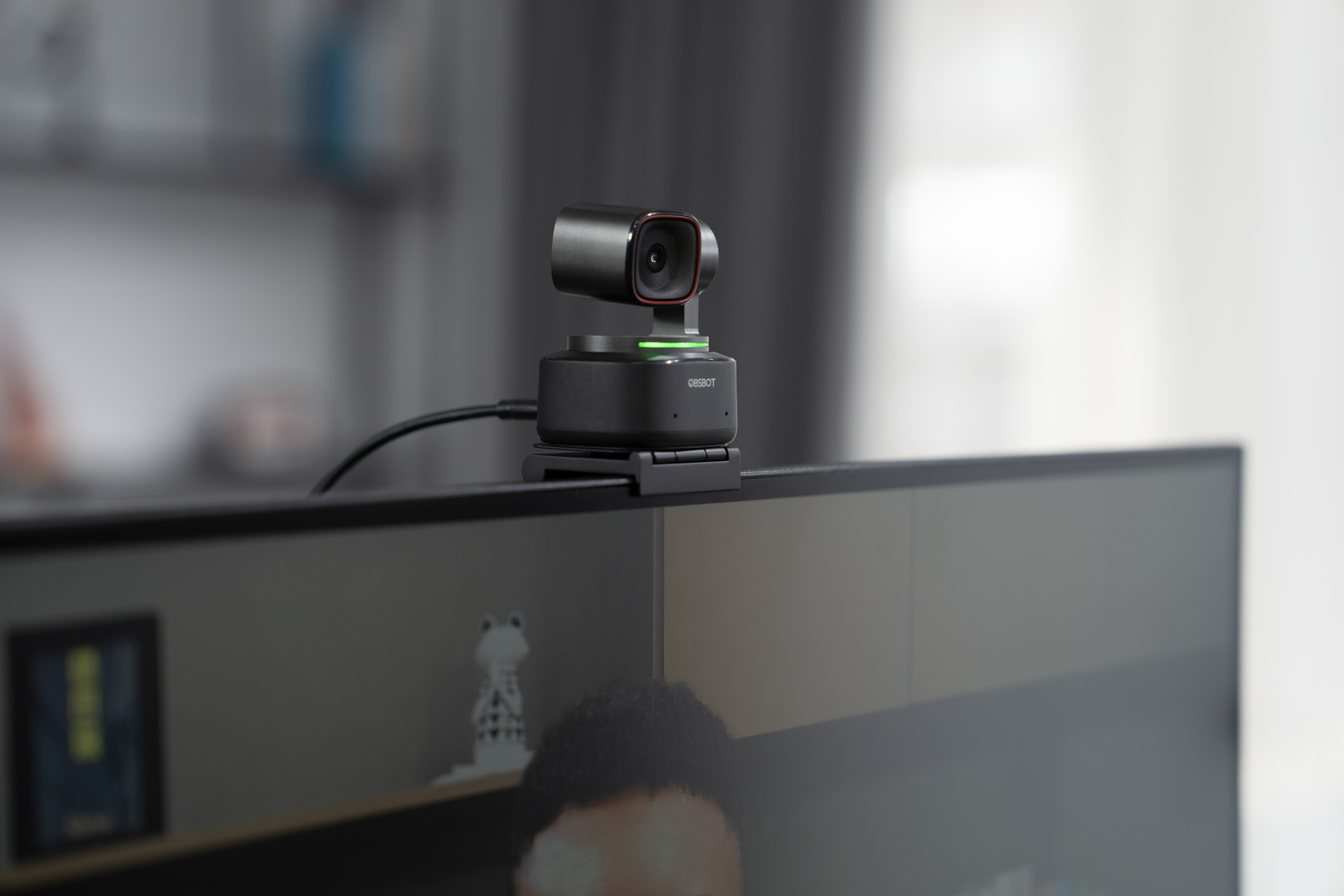
OBSBOT has announced its latest AI-powered webcam, the Tiny 2. Don't let the name fool you—this PTZ webcam packs a powerful punch with 4K video, lightning-fast focusing, voice controls, and so much more.
OBSBOT Tiny 2 AI-Powered PTZ 4K Webcam
The Tiny 2 can capture up to

by Mos Khan · Posted
When it comes to computer peripherals, Logitech is one of the most widely recognized and well-regarded brands available. Not surprisingly, its exhaustive list of accessories includes several peripherals that pair nicely with Apple’s long list of computer offerings. Here’s a closer look at some of the current offerings of Apple-exclusive accessories, including those geared toward getting the most out of your MacBook series laptop.
MX Master 3S
I have two desktop setups, one at home with my Macbook and PC combined, and an office setup that is PC

by Steven Esposito · Posted
Complement your Apple products with Logitech's latest wireless mice and keyboards. Designed to enhance productivity across a wide range of Apple's family of devices, from the MacBook Pro to the iPad Pro, Logitech has developed something for everyone.
MX Master 3S Mouse
Optimized for macOS and iPadOS, the MX Master 3S for Mac Mouse builds on Logitech's previous design with speed, precision, and near-silent operation suitable for work and home. Sporting an ergonomic design and a
by Steven Wong · Posted
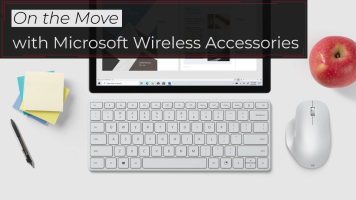
Whether you’re traveling from city to city or from one room to the next in your house, staying productive can often mean rushing to pack up your stuff and quickly getting settled at a new location. That’s usually easy when you’re just working from a small laptop, but you might want the comfort and precision of external peripherals when working, which can slow you down when it’s time to leave. Fortunately, you can have it all by using Microsoft wireless peripherals such as keyboards, mice, and number pads to provide comfort and precision while

by Steven Wong · Posted
Mac and iPad users may now enjoy even greater productivity with the Logitech MX Master 3 for Mac Wireless Mouse and MX Keys for Mac Wireless Keyboard. Sporting the iconic Space Gray color, these newly revealed peripherals are designed to enhance the Apple device experience.
MASTERED FOR Mac — IN SPACE GRAY FINISH
In

Posted
Doug upgrades his workstation, showing you how to choose parts in order to create your own custom content creator computer. He asks a lot of his computer: 4K video editing, color grading, music production, motion graphics, photo editing, and gaming. A lot of you out there are probably doing all of these things and more, so why not build a computer that can do it all?
For an additional step-by-step tutorial, check out our How to Build a Gaming PC.

by Cris Silvestri · Posted
Memory cards are as ubiquitous as memory itself—almost every mobile device you own has some type of built-in storage, from cameras to iPods to tablets, and almost every device has a slot for adding additional storage space. Storage on a device can range from a couple of gigabytes of memory to dozens of gigabytes. You’ll soon find, though, that it’s never enough.
Photographers Love CF
Photographers are a rare breed. From amateur to professional, photographers depend on gear to make a difference in their art, and some of them produce astounding