Computers
- Recently Added
- Popularity
- Name
About 64 filtered results

by Staff Writer · Posted
Logitech, a leader in computer peripherals, is proud to announce the updated MX Master 3 wireless mouse, along with the new MX Keys keyboard. Centered around “Flow,” these tools are designed to keep up with modern demands of “more.” As we’re constantly looking for the next best thing to help us get stuff done, Logitech’s
by William Min · Posted
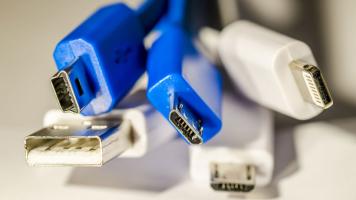
For something that has universal in its name, USB naming conventions are anything but. From long names to standard changes, it can become increasingly difficult to figure out what all the letters and numbers mean. And it has only gotten worse, now that USB naming conventions have changed once again.
First, we’ll look at the number that follows USB, like USB 3.2 Gen 1, USB 3.1 Gen 1, USB 3.0, and USB 2.0. That number refers to different maximum data-transfer rates. Let’s start with the most confusing one: USB 3.2 Gen 1 can support up to 5 Gb/s

by M. Brett Smith · Posted
At B&H, we are firmly on record as being big fans of the iPad Pro. I’ve even gone so far as to call it one of my favorite pieces of tech. However, like any tablet, the iPad Pro does have its limitations—namely, connectivity options. With only the one USB Type-C port to facilitate your wired hookups, attaching peripheral gear and accessories
by Staff Writer · Posted
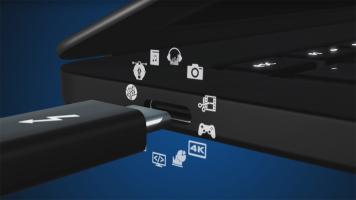
With so many different connector types on our laptops and desktops nowadays, such as Thunderbolt™ and Lightning, navigating through the minefield of ports has become quite frightening. Therefore, we thought it would be a good idea to go over one of the newest, most capable interfaces, Thunderbolt 3, with a simple infographic that lays out the basics.