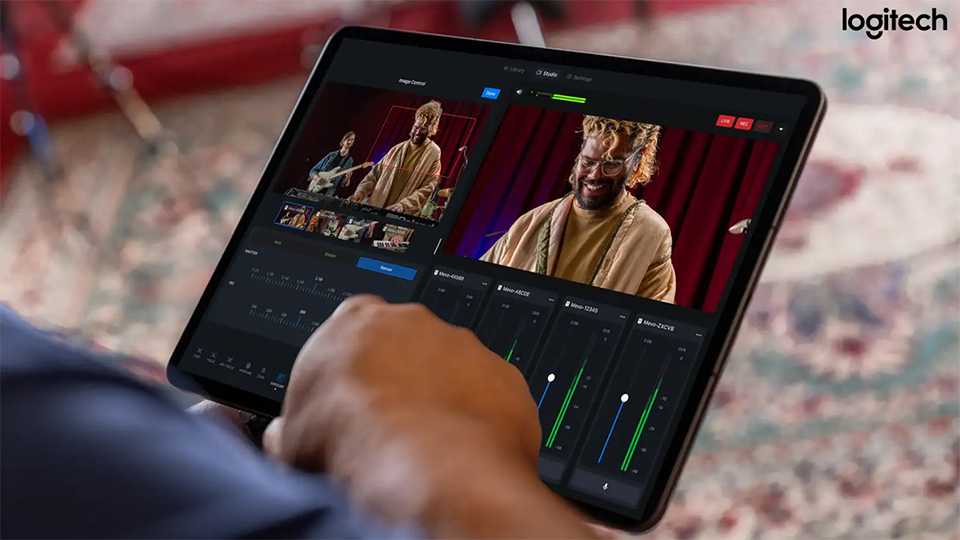
Live streaming and content creation is a booming industry that attracts a ton of people from all over the globe. Whether you are streaming your favorite games, cooking with a tuned-in audience, or simply chatting with others, Logitech offers a way to ensure the process is easy, seamless, and quick thanks to the latest updates to the Mevo Studio app.
In terms of functionality, ease of access is the mantra here. You want to level up your presentation with multiple features like adding custom countdowns and lower thirds to your scene? This is done via the updated Library tab. From here, you can easily add sources such as one or multiple cameras. Assets such as graphics and pre-made media can be easily added through the library tab as well, expanding your creative endeavors. Even better, you can create assets right on the spot, which prevents you from opening another software suite and trying to design something in a pinch.
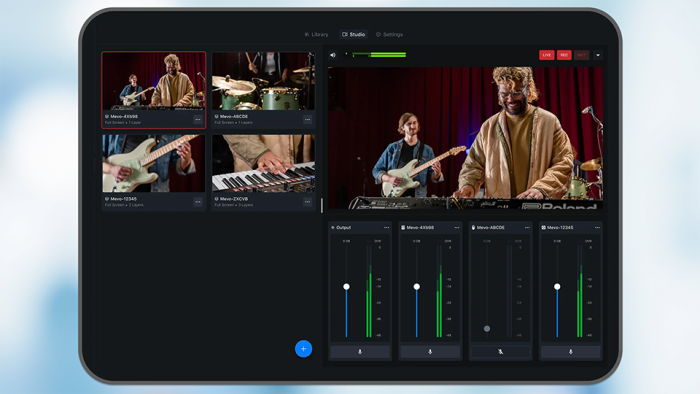
After adding various sources, you can manipulate them with the Scene Creator. This part of the application provides you with a zone where you can layer these sources into a convenient tile. Easily add assets and then determine where they should go. You can also crop, resize, and rotate layers for that unique look you’re trying to achieve. Even better, after you get the scene together, if something looks a bit off, you can easily adjust that singular element without affecting anything else within that scene.

Lastly, one of the coolest parts of the Mevo Studio app is how you can create your own custom overlays for streams and other media! With a few taps, you can have something that truly pops, giving your stream that extra pizazz you’ve always wanted.

The Mevo Studio app is a free download, but a subscription Pro version is also available that adds even more to your experience. You can live stream to multiple destinations simultaneously and turn your smartphone into a Mevo Studio source with the Mevo Go app. You also get the ability to input NDI | HX cameras, encoders, and software into Mevo Studio, as well as output Mevo Studio program to those NDI | HX devices. So, whether you are looking for basic or advanced creation tools, Logitech has you covered!

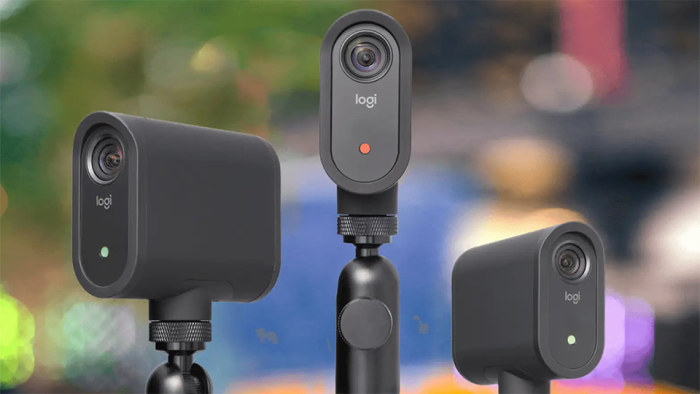
If you are interested in either the software or Mevo devices like the Mevo Core UHD or Mevo Start, make sure you click on the links and add even more flair to your stream!